Write your novel, your world, your notes, your thesis, your screenplay, your documentation with Tintero App
Tintero App puts the manuscript, the thesis, the lecture notes, the screenplay, the documentation or the world of your saga in one app: chapter structure, split-screen writing, version history, and sync between phone and desktop.

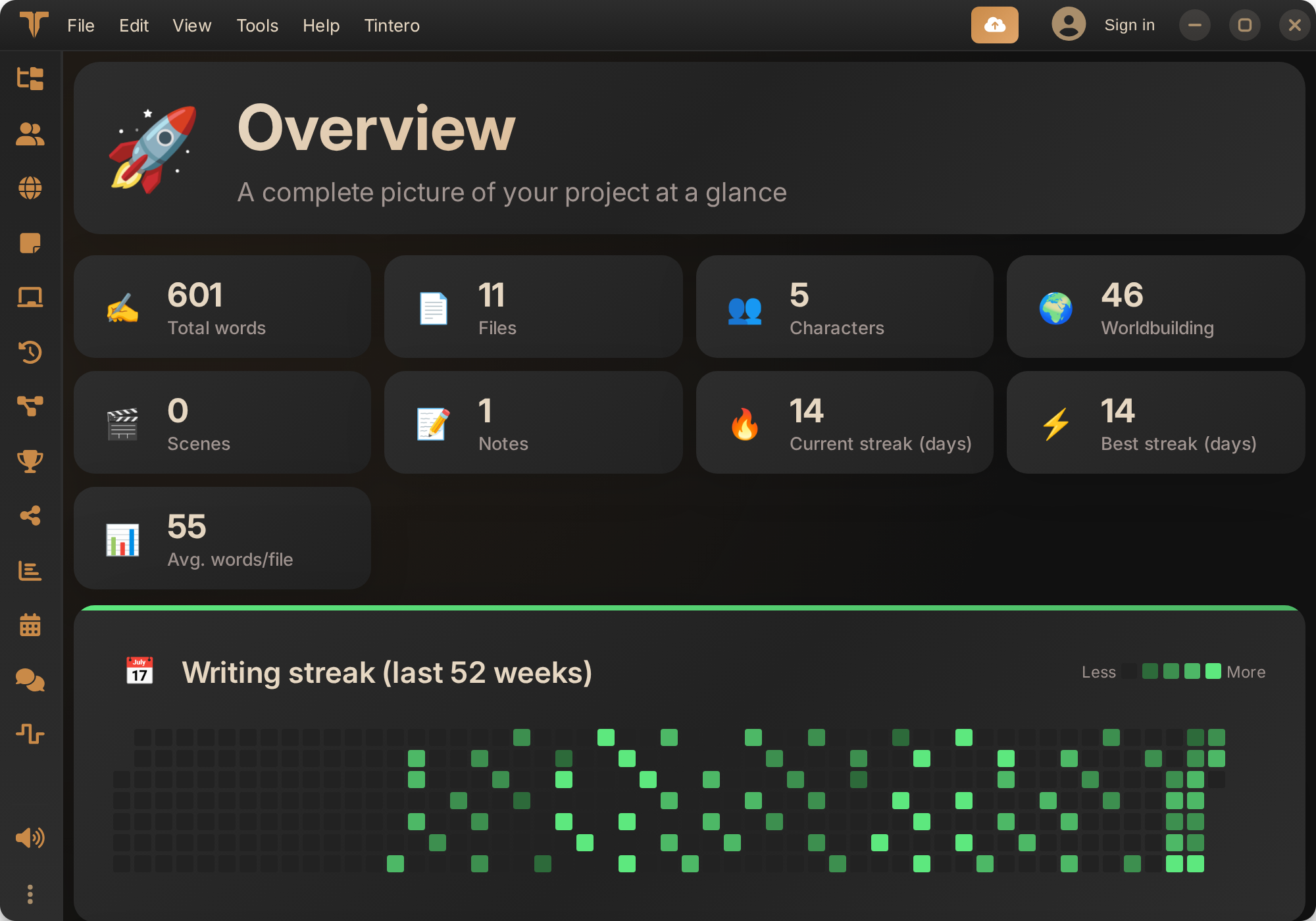
Why Choose Tintero
Discover the tools that will transform your writing process.
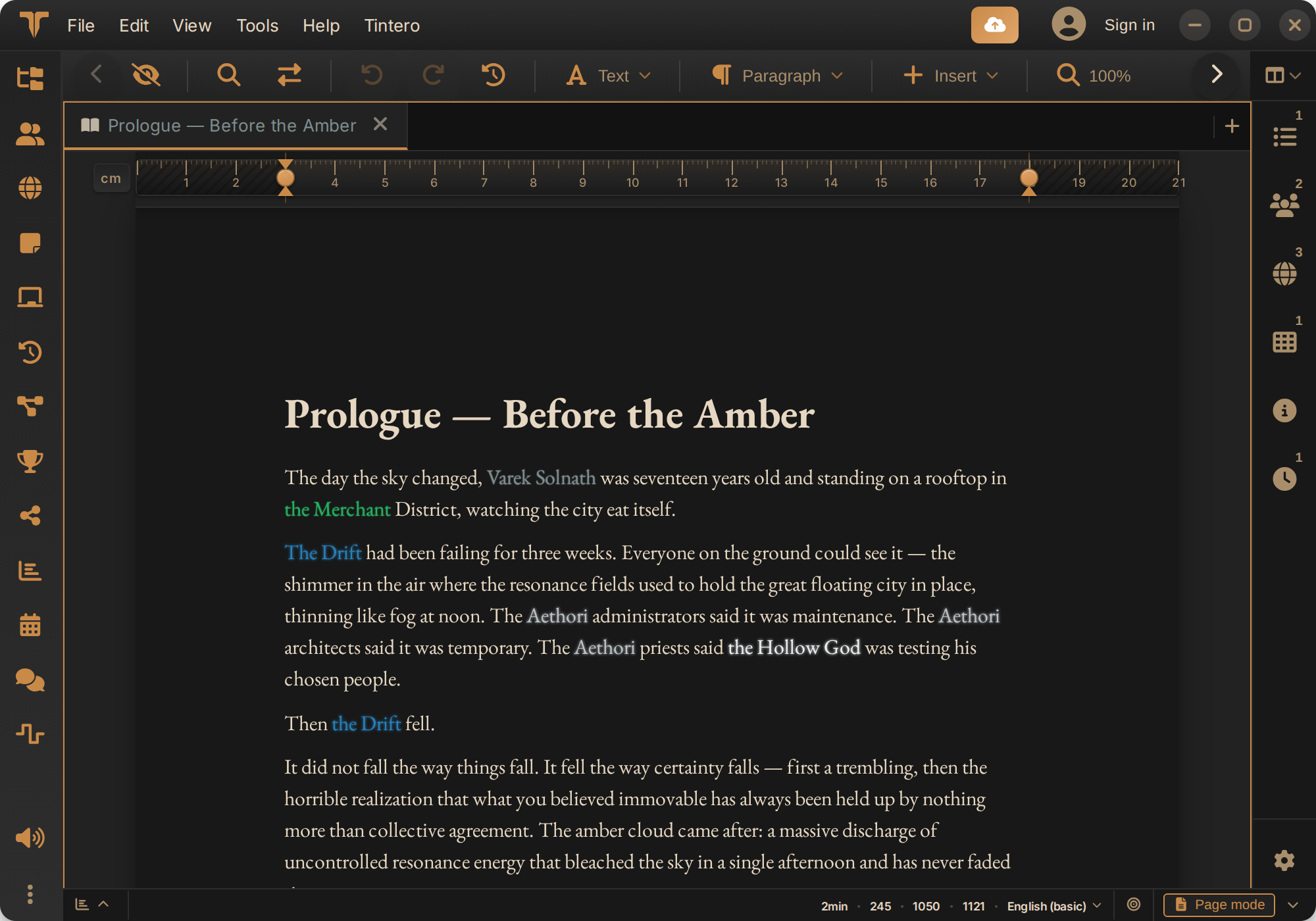
Intuitive Organization
Structure your ideas with fully customizable folders, chapters, and notes. Advanced multi-search with filters and presets.
Complete Worldbuilding
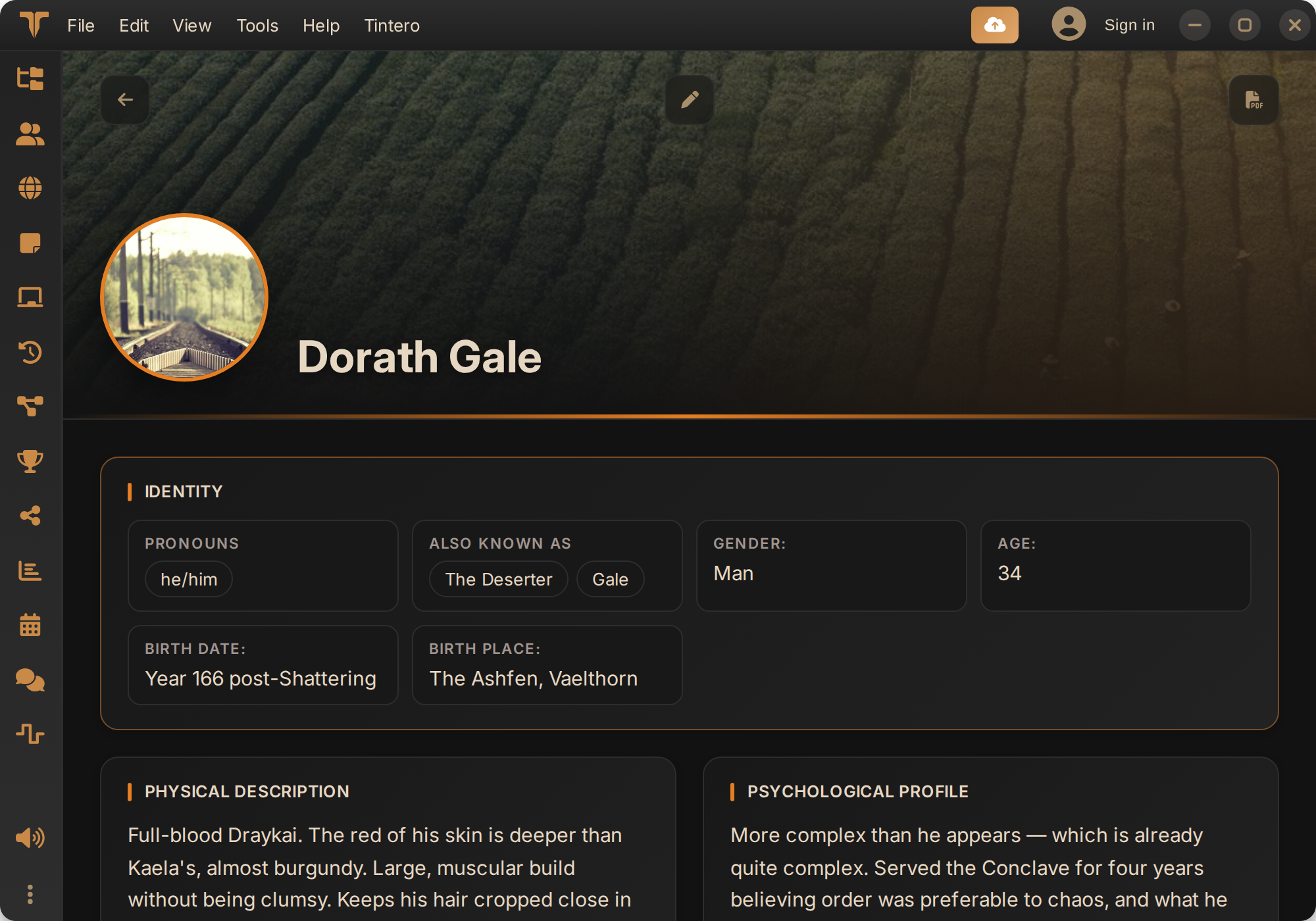
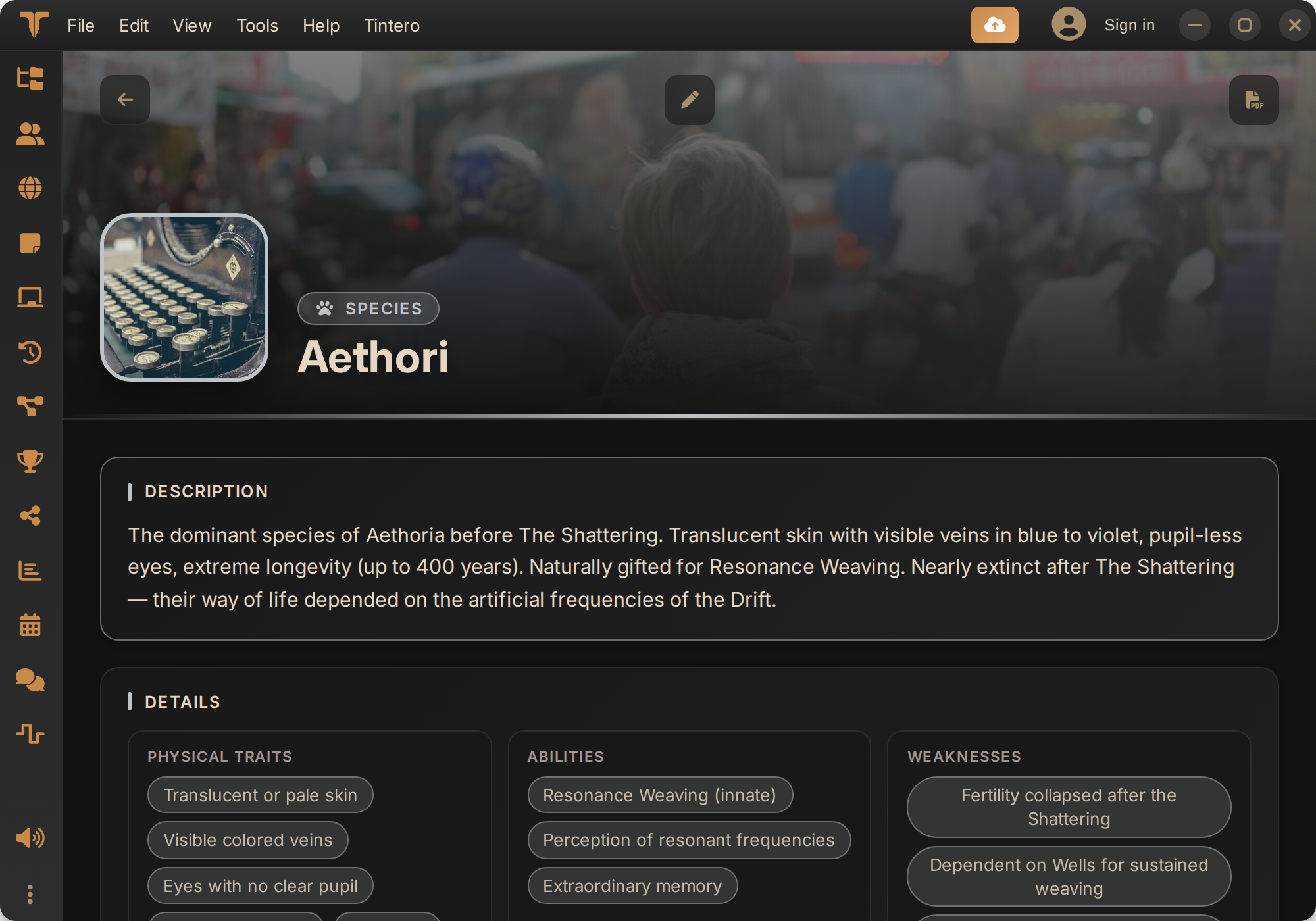
Create detailed characters, cultures, locations, factions, and magic systems. Build entire universes for your stories.
Advanced Scene System
Organize your narrative with POV tracking, scene types (flashback, dream, prologue), locations, and character presence.
Anytime, Anywhere
You can use Tintero from a browser, as a PWA application, as an Android app, or use an optimized desktop application.
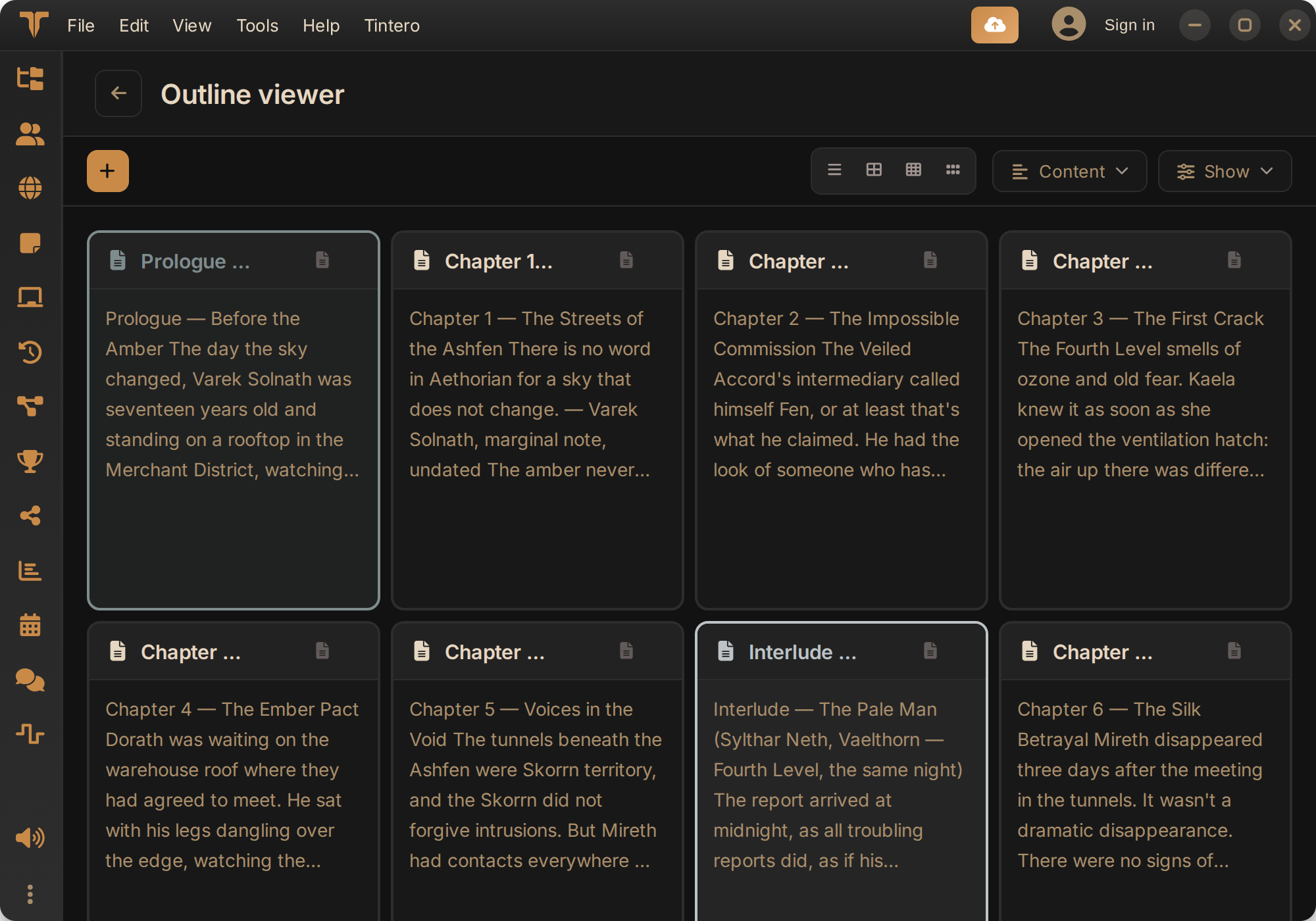
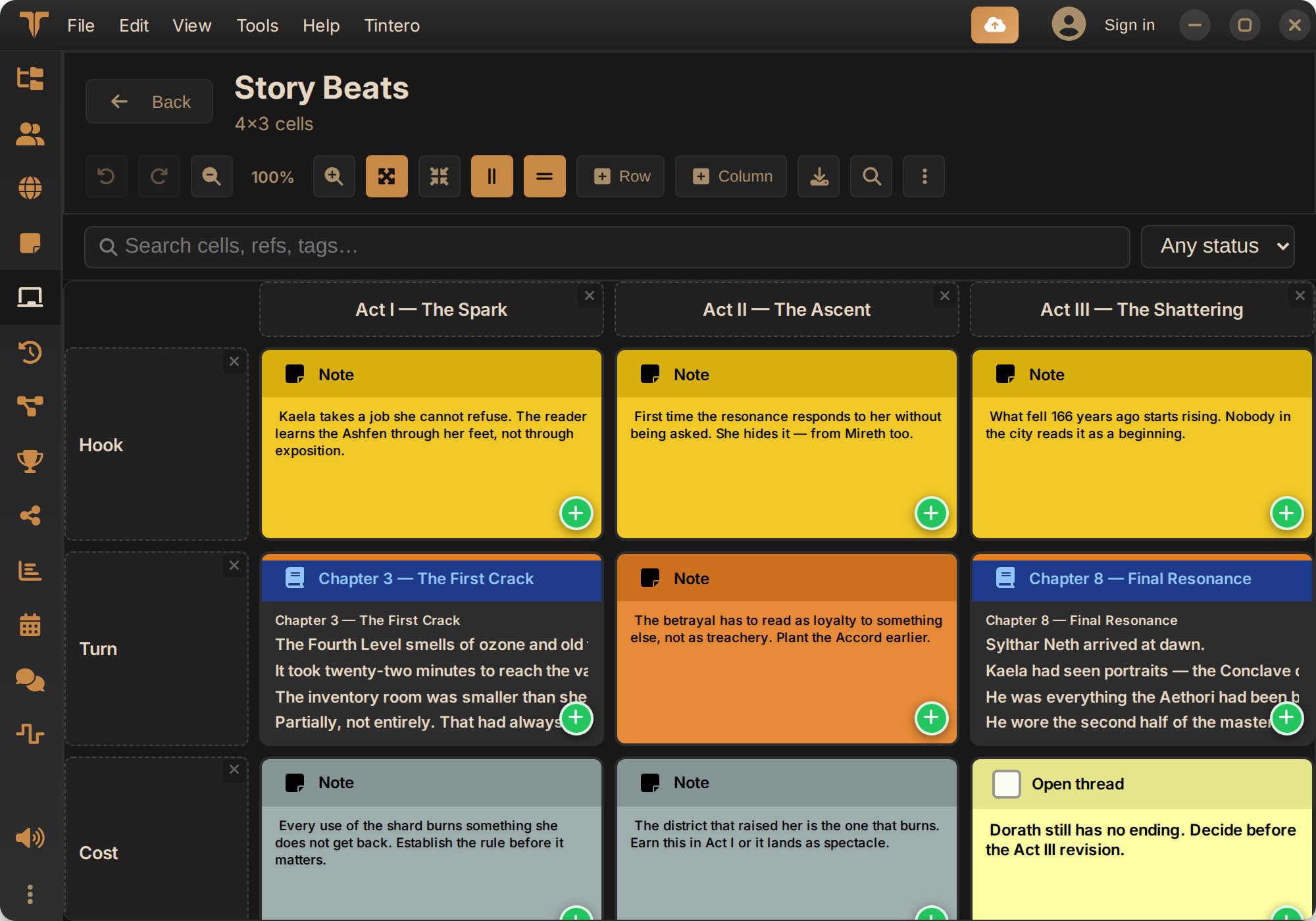
Plan the way you think
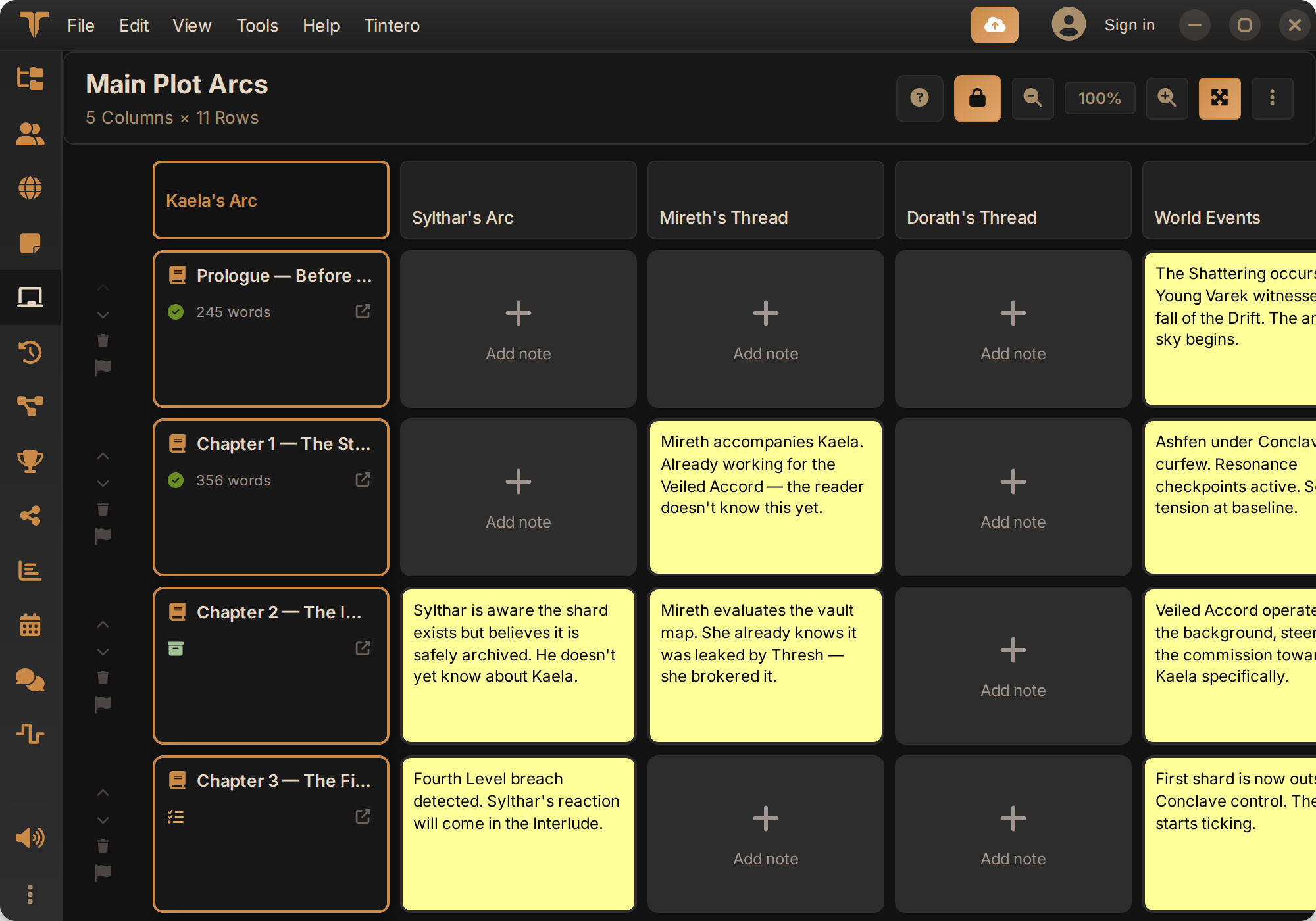
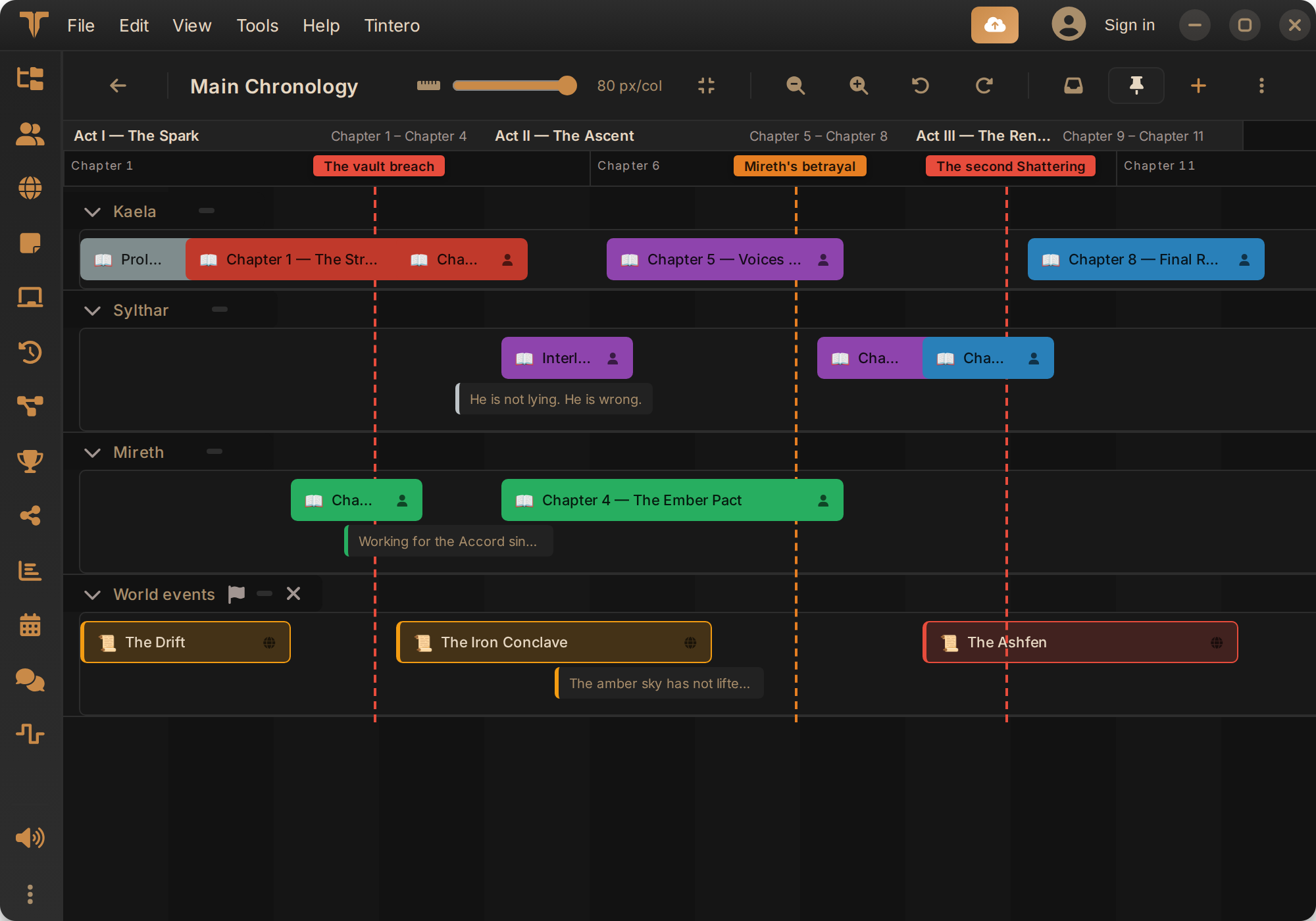
PlotGrid, corkboard, timeline, flow maps and beatsmap: every way of planning has its own view, and all of them draw on the same project.
From draft to book
Typeset the book with Book Studio and export to PDF, EPUB, DOCX, ODT, LaTeX, Fountain or Final Draft. Your writing never gets trapped.
On your phone
A real app on your phone too
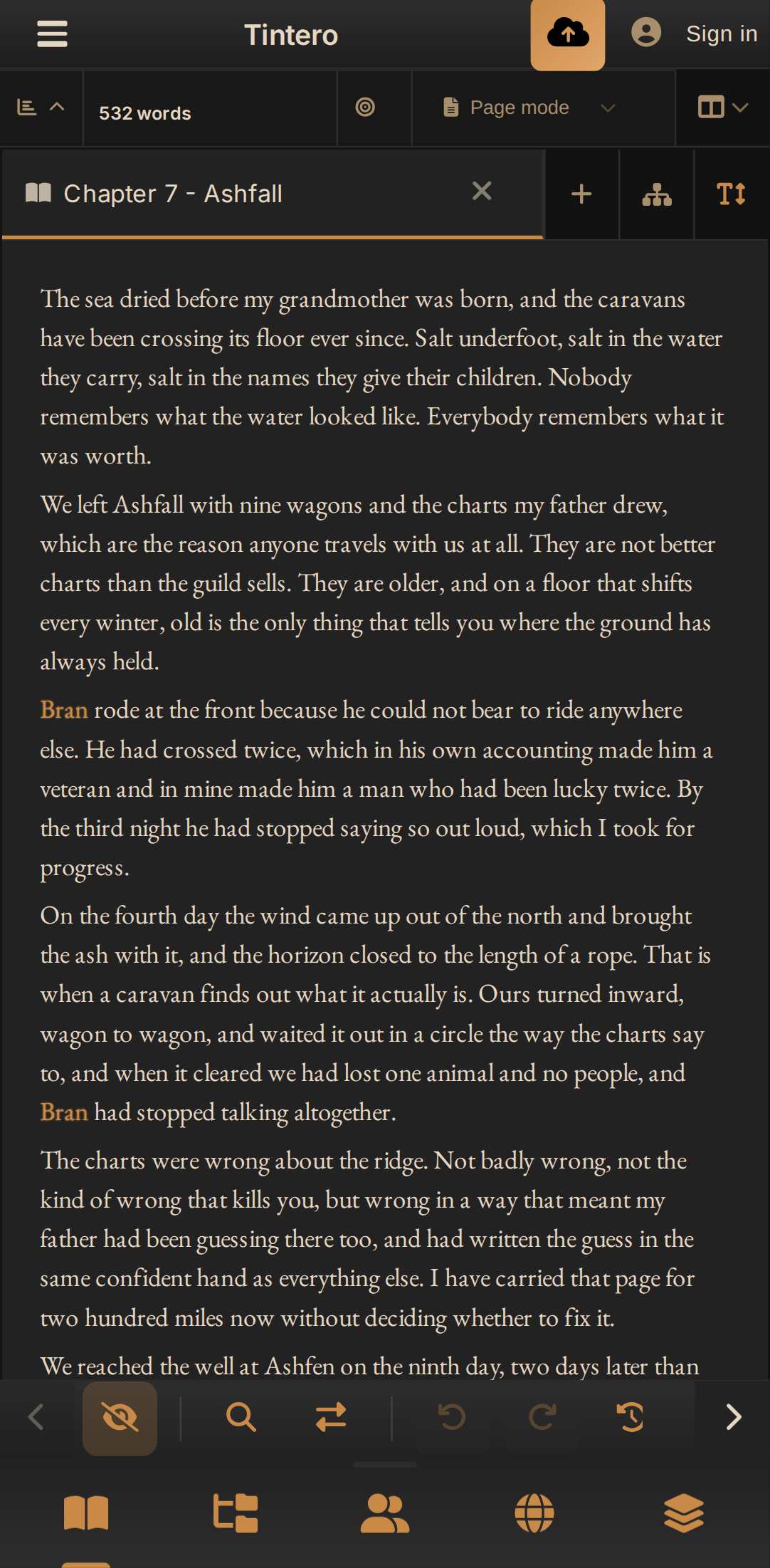
Not the website squeezed down: a bottom bar, gestures and a writing mode built around the phone keyboard. What you write on the bus is on your laptop when you get home, and it keeps working with no signal.
Write with your characters highlighted, just like on desktop.
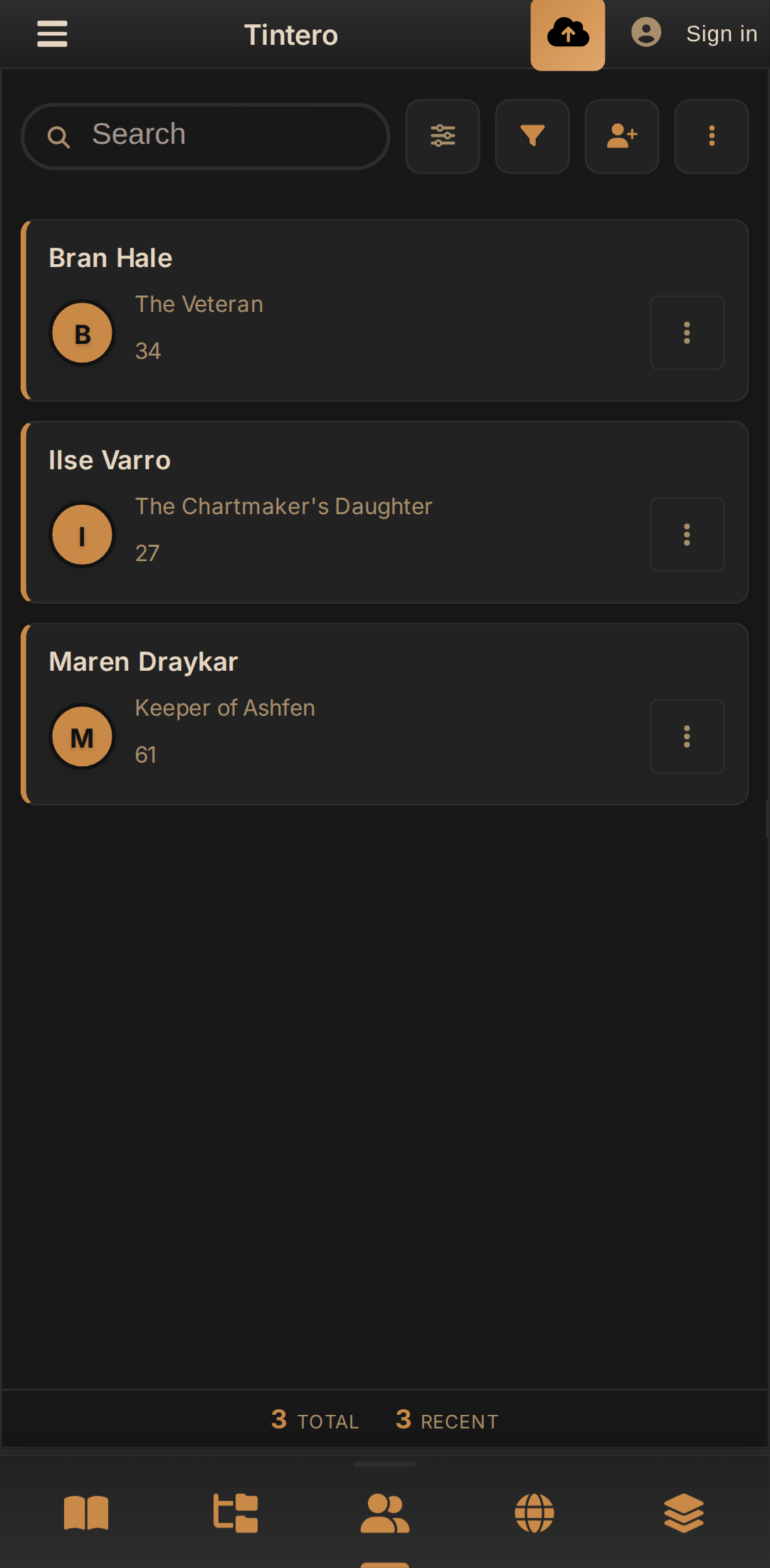
Character and world profiles at hand, mid-session.
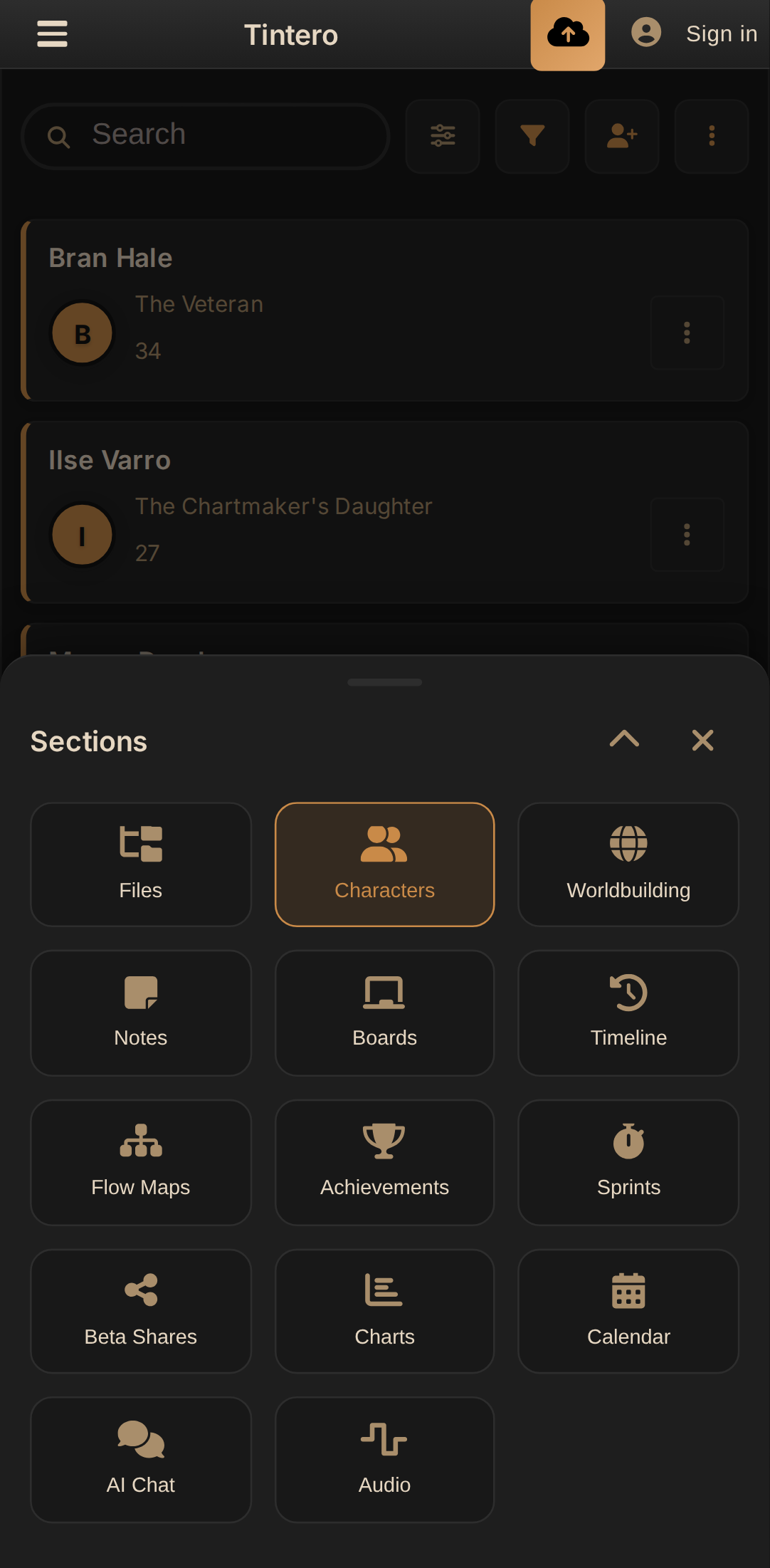
The whole app one tap away: boards, timeline, flow maps, sprints…
Sync
Sync wherever you want
By default, your projects stay on your device. If you want them on several, you choose where they are stored: in the Tintero cloud, in the one you already use or on your own server.
The Tintero cloud
Tintero Live syncs phone, tablet and computer instantly. With optional end-to-end encryption, the key is yours alone.
Google Drive or Dropbox
Keep the project in the account you already have: your files, in your storage.
Your own server
Nextcloud, ownCloud or any WebDAV server, from desktop and browser. The project goes straight to your server, without passing through ours.
A Git repository
GitHub, GitLab, Gitea or Forgejo. Your novel’s history is kept in commits, and the project can even be stored as Markdown and JSON, fully readable from the repository itself.
How Tintero Works
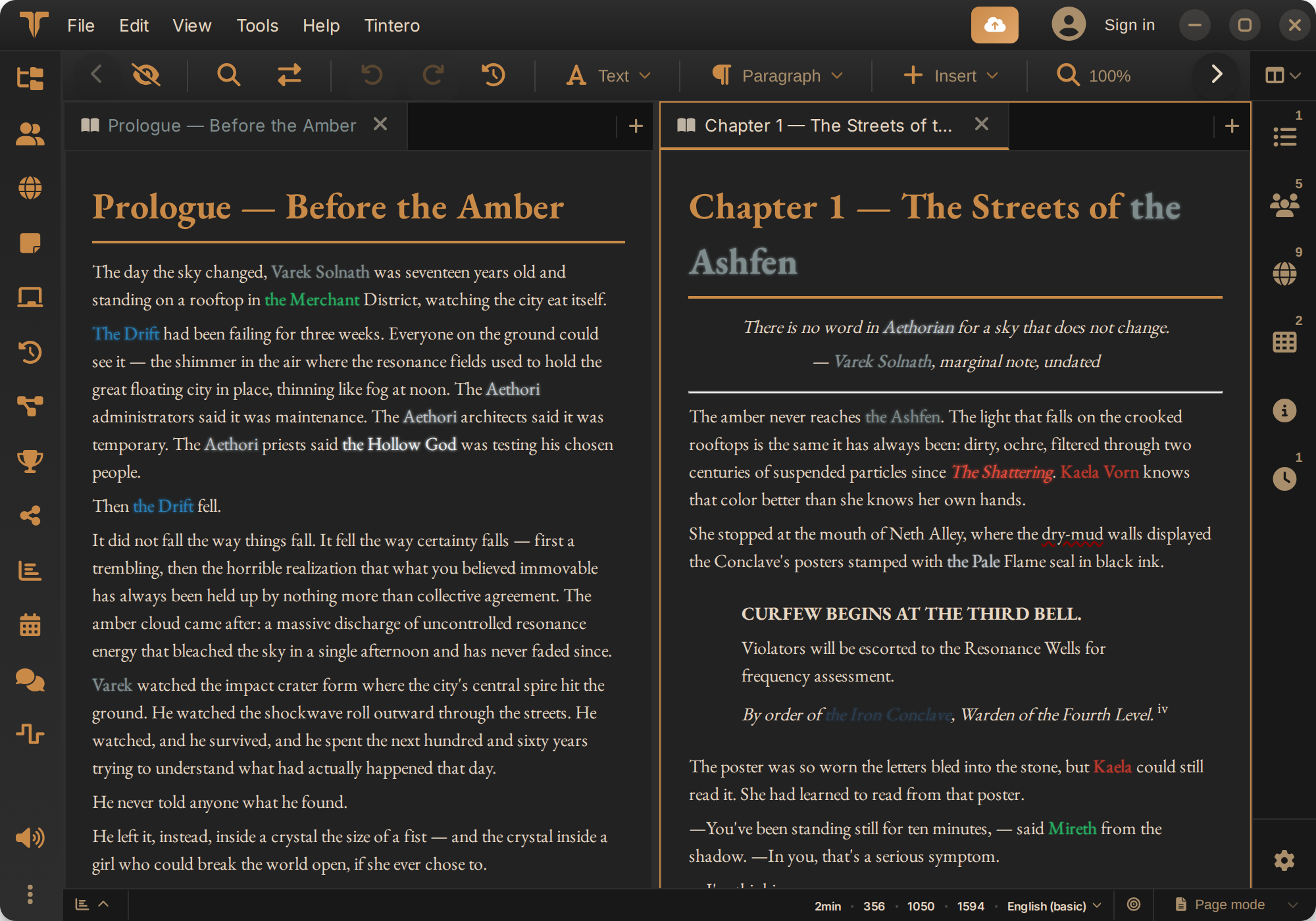
Step 1: Organize
Create your project and organize your ideas with advanced folder structures and scene management.
Step 2: Build Worlds
Create characters, cultures, locations, and magic systems with integrated worldbuilding tools.
Step 3: Write
Draft your stories in a distraction-free environment with scene-based organization.
Step 4: Export Professionally
Typeset the book with Book Studio, or export to PDF, EPUB, DOCX, ODT, LaTeX, Fountain or Final Draft, ready to hand in.
Frequently Asked Questions
We address the most common questions about Tintero
Can I use Tintero offline?
Yes, Tintero is built to work offline with all its functionalities. Zero telemetry is sent when working offline.
Do I need an account to use Tintero?
No. Download the app, create a project and write. An account is only needed to sync between devices or to share a text with someone; everything else works without signing up and without a connection.
Is Tintero suitable for beginners?
Absolutely, Tintero is designed for writers of all levels, with intuitive tools and interactive guides for complex worldbuilding.
Can I import my existing projects?
Yes. Tintero imports whole projects from Scrivener, novelWriter and Bibisco, keeping the structure and character data, and DOCX, ODT, RTF, Markdown, HTML, Fountain, LaTeX or Final Draft files, one at a time or several at once.
What happens to my writing if Tintero stops existing?
They stay where they already are, on your computer, and you can open them without the app. Tintero exports to PDF, EPUB, DOCX, ODT, RTF, HTML, Markdown, plain text, Fountain, LaTeX and Final Draft, formats any other tool can read. Nothing gets trapped inside.
Where are my projects stored?
On your machine, always. Tintero is a local application: nothing leaves your computer until you turn sync on. If you do, you choose where: the Tintero cloud, Google Drive or Dropbox, your own server (Nextcloud, ownCloud or WebDAV) or a Git repository. In the Tintero cloud the project travels over HTTPS and is stored encrypted. The difference is who holds the key: there, we do. On Tintero Live you can set an end-to-end encryption passphrase, and then the key is yours alone: the manuscript is encrypted on your device before it leaves, so neither we nor a server leak could open it. That option is chosen when you create the project and cannot be added later.
Do I have to use AI?
No. Tintero is a complete editor without it: AI is an optional tool, not the heart of the app. With a single checkbox, when you install or in Settings › Editor › Writing Assistance, the AI chat, menus and buttons disappear from the interface. If you do use it, it only runs when you ask and you choose who runs it: a model on your own computer through Ollama or LM Studio, free and without the text leaving the machine, or a cloud model with a token system. With the cloud we only act as the go-between: we neither store nor analyse what passes through, and it isn't used to train models.
Which is the official Tintero App website?
tintero.app, and only that one. Tintero App has been developed by Francisco Nadal since 2025 and this has been its website from the start: the Microsoft Store, Google Play, Flathub and Snapcraft releases and the web app at online.tintero.app all come from here. We have no relation to any similarly named domain registered in 2026. If the address does not end in tintero.app, it is not us.
Join the Tintero Beta
Be among the first to try Tintero and access ALL premium features for FREE during the beta. Once the beta ends, some online features might be paid. Don't miss this unique opportunity!