Downloads
Download Tintero Beta for free
The writing tool you need, available for multiple platforms
Choose your platform
Direct download
Select your operating system and start writing in minutes
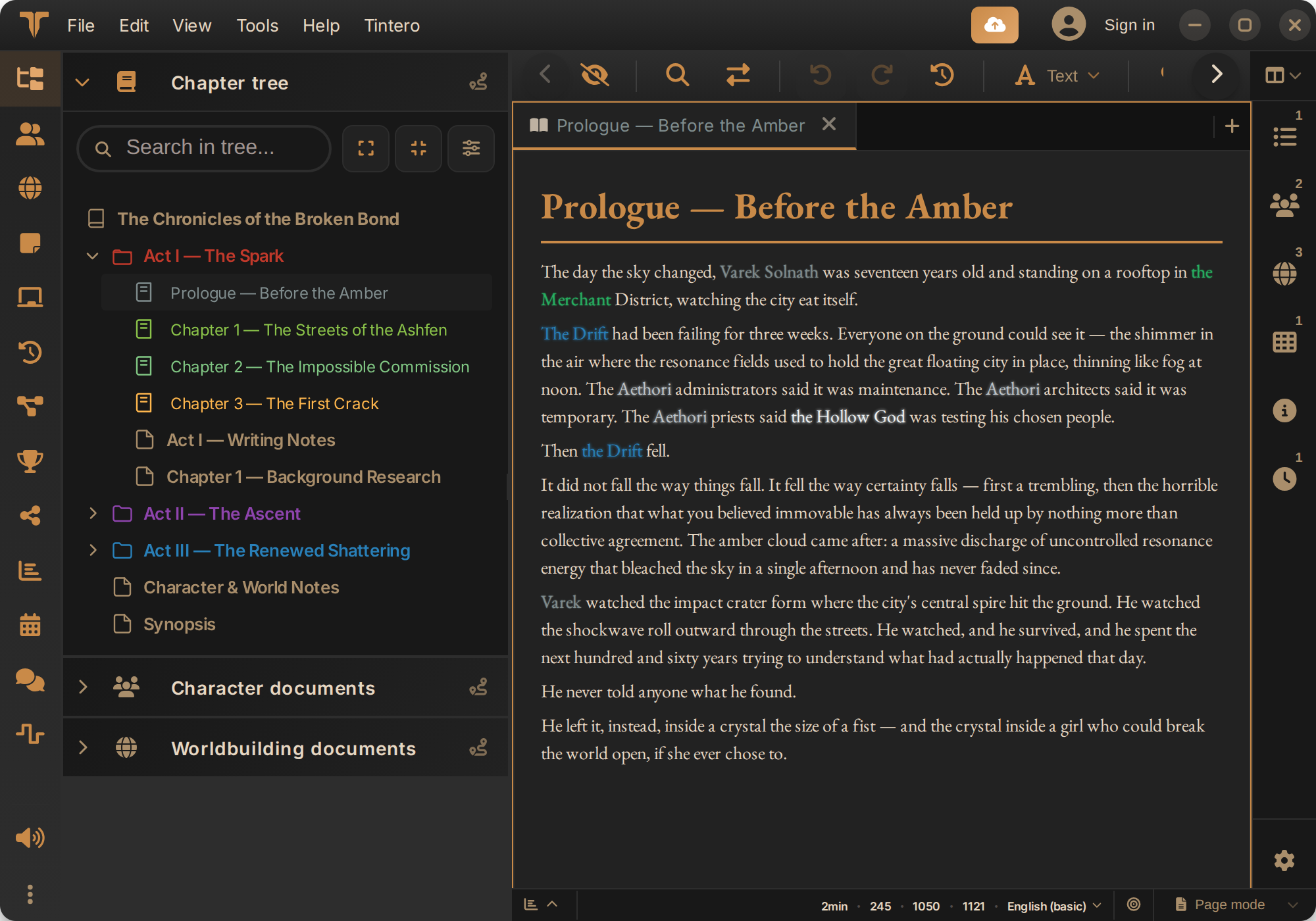
Windows
Available on the Microsoft Store. Also as an .exe installer (how to install it).
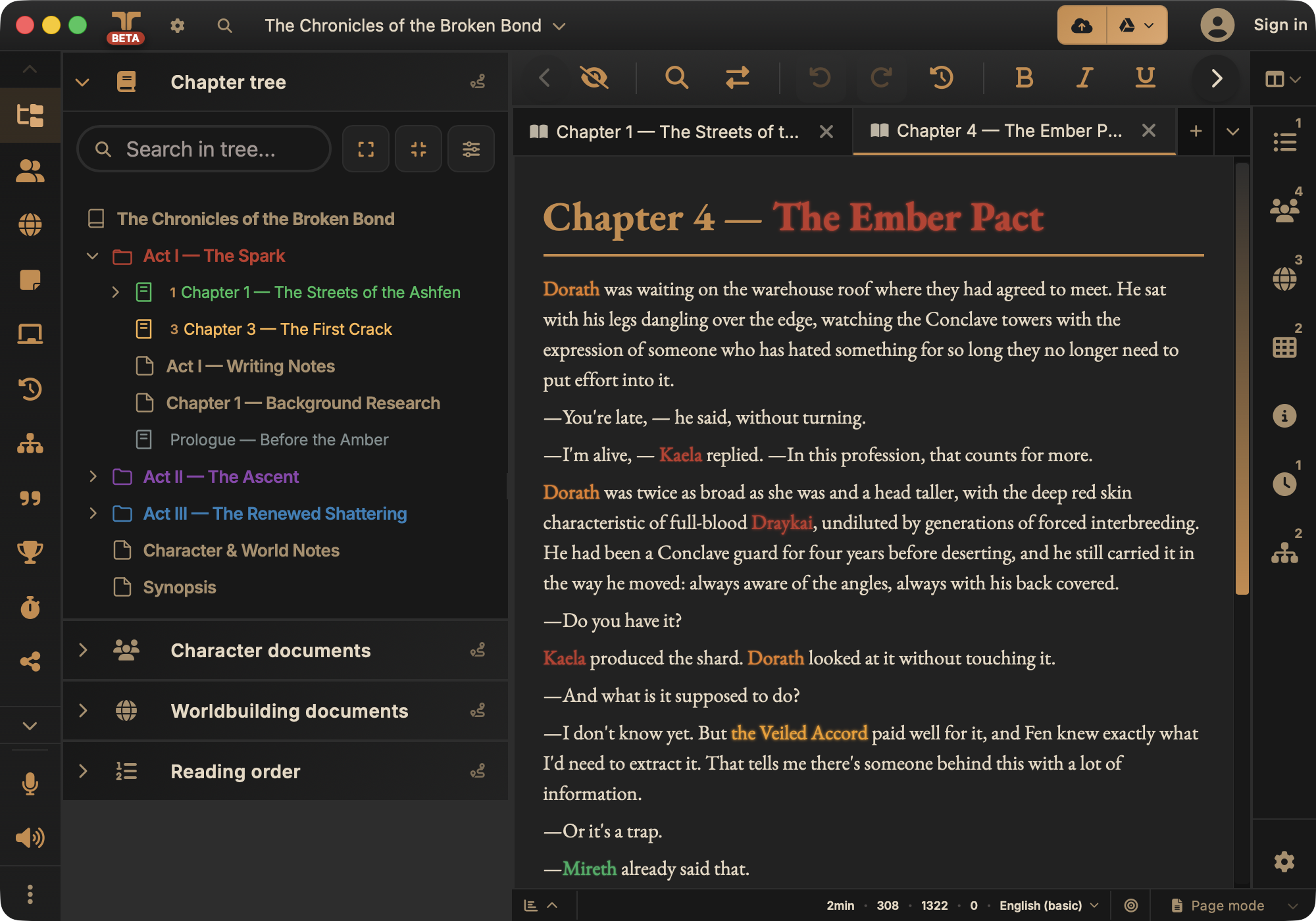
macOS
BetaUniversal beta, for Apple Silicon and Intel. It is not signed by Apple yet (that takes a paid developer license), so macOS blocks it the first time: here is how to open it.
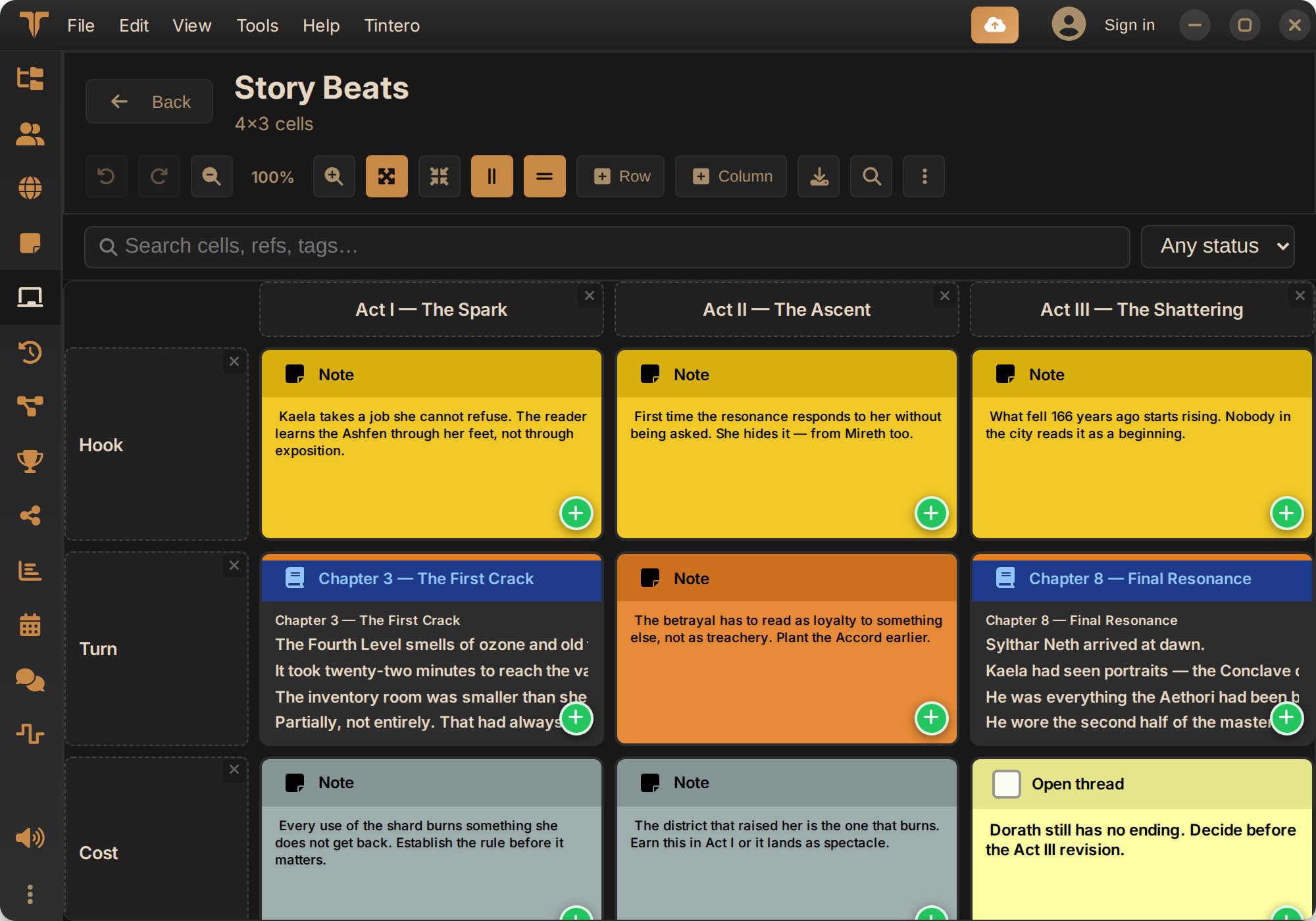
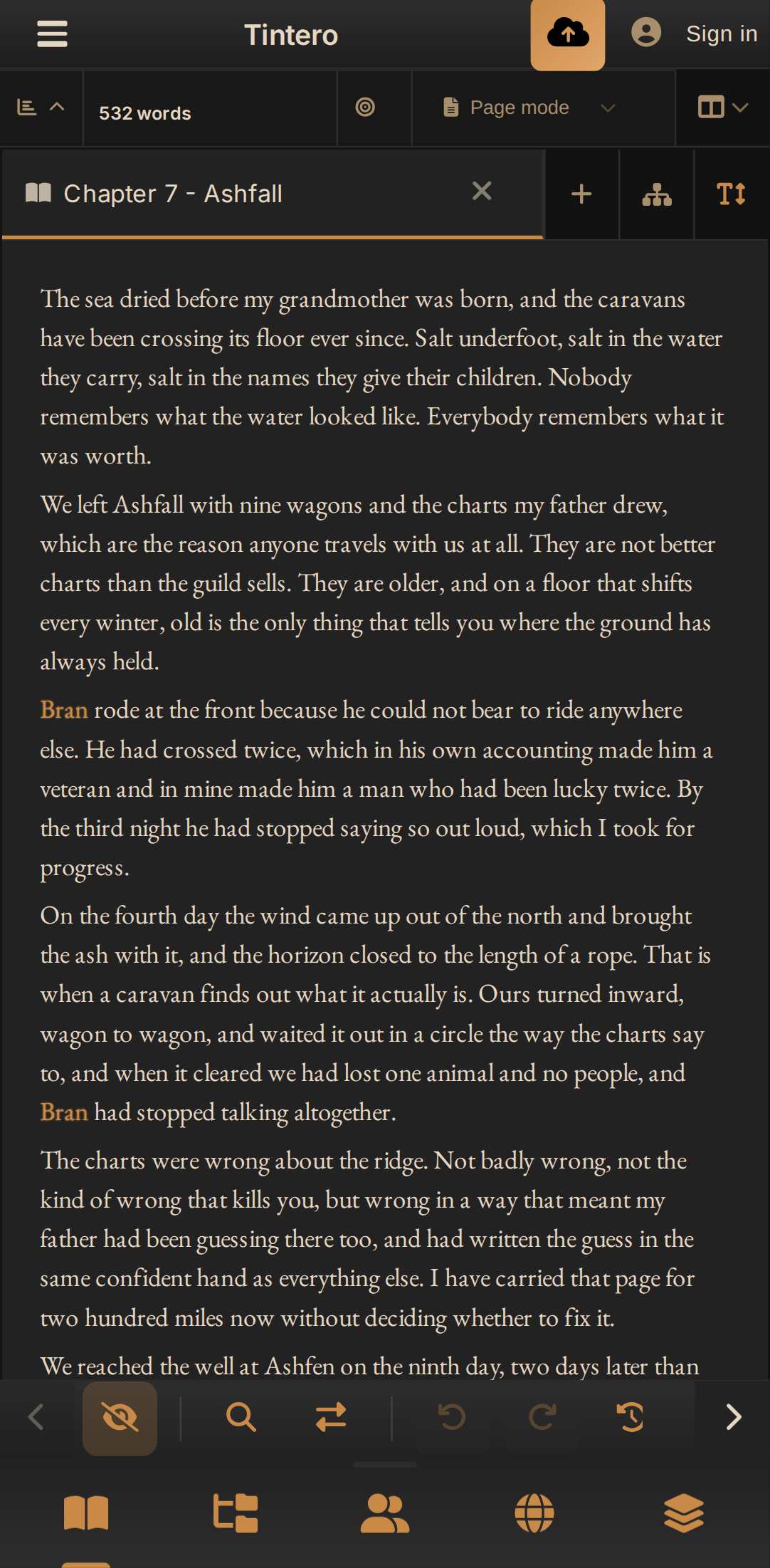
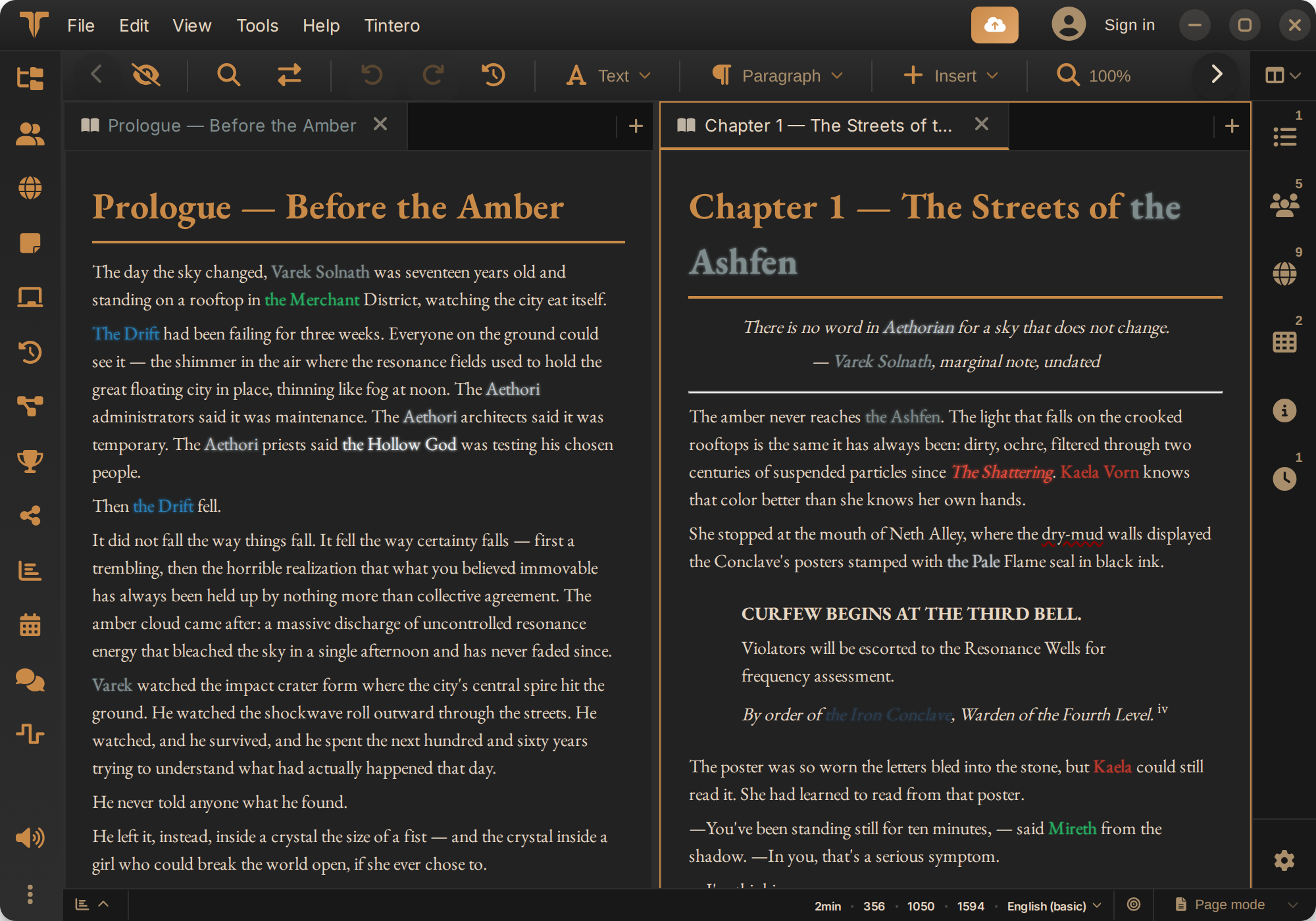
Web version
This version supports PWA, so it is virtually capable of working on almost any device.
iPhone
In developmentThe iPhone and iPad app is in development. Meanwhile, the web version works in Safari and can be added to the home screen.
Windows
Install on Windows
We recommend the Microsoft Store: it installs without security warnings and updates arrive on their own. If you prefer, there is also an .exe installer.
- 1
Install it from the Microsoft Store
Click the button or search for “Tintero” in the Microsoft Store app on your PC, then click “Get”.
- 2
Open it
Tintero shows up in the Start menu like any other app.
Prefer the .exe installer?
Download Tintero.exe and run it. It is signed by the Tintero team, but not with a certificate from an official authority, so Windows will most likely show “Windows protected your PC”: click “More info” and then “Run anyway”. It does not mean it found anything.
Want to check the .exe before installing?
For complete peace of mind, upload it to VirusTotal, which scans it with dozens of antivirus engines at once. It is free and takes a minute. If a single engine flags it, it is usually just because it has no official certificate: what counts is the overall result.
Updates itself
Installed from the Microsoft Store, the store takes care of updates. With the .exe, the app lets you know when a new version is out and updates itself, no need to come back here.
macOS
Installing the Mac beta
The Mac version is in beta and is not signed or notarized by Apple yet, because that requires a paid developer license. That is why macOS refuses to open it the first time. You only have to fix it once:
- 1
Drag Tintero to Applications
Open the .dmg and drag Tintero into the Applications folder.
- 2
Open it once and close the warning
macOS will say it cannot verify the app. That is expected for an unsigned app: close the warning.
- 3
Allow it
Go to System Settings › Privacy & Security and click “Open Anyway” next to Tintero. From then on it opens like any other app.
Prefer the Terminal?
This command removes the block in one go:
xattr -dr com.apple.quarantine /Applications/Tintero.appIt does not update itself
This beta does not update automatically: download new builds from this page.
Linux
Install on Linux
We recommend Flatpak: it works on almost any distribution and updates along with the rest of your system. Snap and a .deb package are also available.
- 1
Install it from Flathub
Search for “Tintero” in your desktop’s store (GNOME Software, Discover…) or use the Terminal:
flatpak install flathub app.tintero.Tintero - 2
Open it
It shows up in your applications menu like any other app. Updates come through the store or with
flatpak update. Prefer Snap?
It is on the Snap Store:
sudo snap install tintero.deb package (Debian, Ubuntu…)
Download the .deb and install it with apt, which resolves the dependencies:
sudo apt install ./Tintero.deb
Android
Install on Android
From Google Play, which keeps it up to date. If you do not use the Play Store, there is also an APK.
- 1
Open Tintero on Google Play
Use the button on this page from your phone, or search for “Tintero” in the Play Store.
- 2
Tap “Install”
From then on, the Play Store takes care of updates.
No Play Store? Use the APK
Download the APK on your phone and open it. Android will ask for permission to install apps from your browser: allow it and open the file again.
Your projects, on your phone and your computer
With cloud sync on, what you write on one device shows up on the others as soon as there is a connection.
Web
Use the web version
Nothing to install: it opens in your browser. If you like, you can install it as an app (PWA) and open it like any other.
- 1
Go to online.tintero.app
With Chrome, Edge, Firefox or Safari, on your computer or your phone.
Install it in Chrome or Edge
Click the install icon in the address bar, or look for “Install” in the browser menu.
In Safari
On iPhone and iPad: Share › “Add to Home Screen”. On Mac: File › “Add to Dock”.
Requirements
Minimum specifications
Web Version
Any device capable of running a modern browser (Chrome, Edge, Safari...) can run the web version of Tintero.
Desktop (Windows/Linux/macOS)
The desktop versions use the same base technology, so the requirements are virtually identical to having a browser open. Note for Linux: Some distributions might experience specific bugs, and Flatpak is recommended.
Android
Available on Google Play Store. When you visit the store, it will automatically check if your device is compatible with the app before allowing you to download it.
Connectivity
Internet connection recommended for device synchronization and automatic cloud backup. But the app can be used completely offline.
Important
Beta version considerations
Read this before downloading
Software in development
Tintero Beta is in active development. Bugs may appear and some features may change in future versions.
Backup recommended
Although we include automatic synchronization, we recommend making manual backups of your important projects regularly.
Frequent updates
We release updates regularly with fixes and new features. Keep the application updated for the best experience.
Which version should I choose?
Desktop
The desktop version is the most powerful: Takes advantage of native performance and has exclusive features only possible there: Plugin system, multi-window system, higher speed, stability, selecting which folder to save your projects in...
Mobile
The mobile version is optimized for touch devices and takes better advantage of your mobile's native capabilities, including support for community plugins, themes, and more.
Web
Both web version and PWA have innate native limitations, but they have the vast majority of functionalities.
Questions about installing
Platforms, updates and which package to pick
Is there a Mac and an iPhone version?
For Mac, yes: there is a universal beta (Apple Silicon and Intel) you can download from this page. It is not signed by Apple yet, because that requires a paid developer license, so the first time you have to allow it in System Settings › Privacy & Security. The iPhone and iPad version is still in development; in the meantime the web version runs in the browser and installs like any other app.
Do I have to download every new version by hand?
Not on desktop: the app checks for updates and installs them itself. On Android, Google Play handles it; on Windows, the Microsoft Store if you installed it from there; and on Linux it is Flathub or Snap, depending on where you installed it from.
On Linux, Flatpak, Snap or .deb?
Flatpak if you can: it depends least on your distribution and gives the fewest surprises. Snap is the alternative, and the .deb is there for when neither fits, with the catch that updates are then up to you.
Ready to try the future of writing?
Join the Tintero Beta community and help us create the perfect writing tool